Meetups
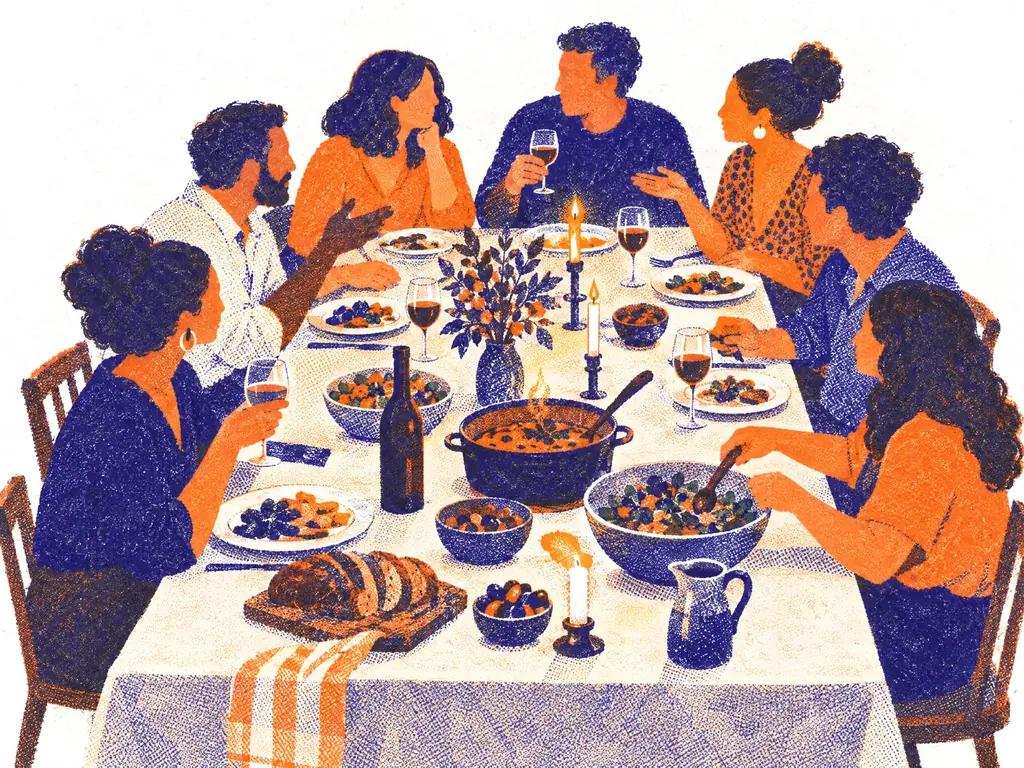
Anyone can suggest a dinner, a walk or a call, and people RSVP in a tap. Inside a project or circle, run a quick poll to pick a slot first.
Dinner after the module
Proposed by Amira
Thu 19:30 Fri 19:00
peer(ish) is a private home for your cohort, alumni or event group. Members see who's who, spot when they're in the same city, plan meetups and start projects together, long after the last session. Your organisation runs it.
For executive programmes, accelerators, fellowships, bootcamps and alumni groups.

One private place for what group chats bury: a member directory, travel overlaps, meetups, projects, and a shared Library of books, articles and podcasts.
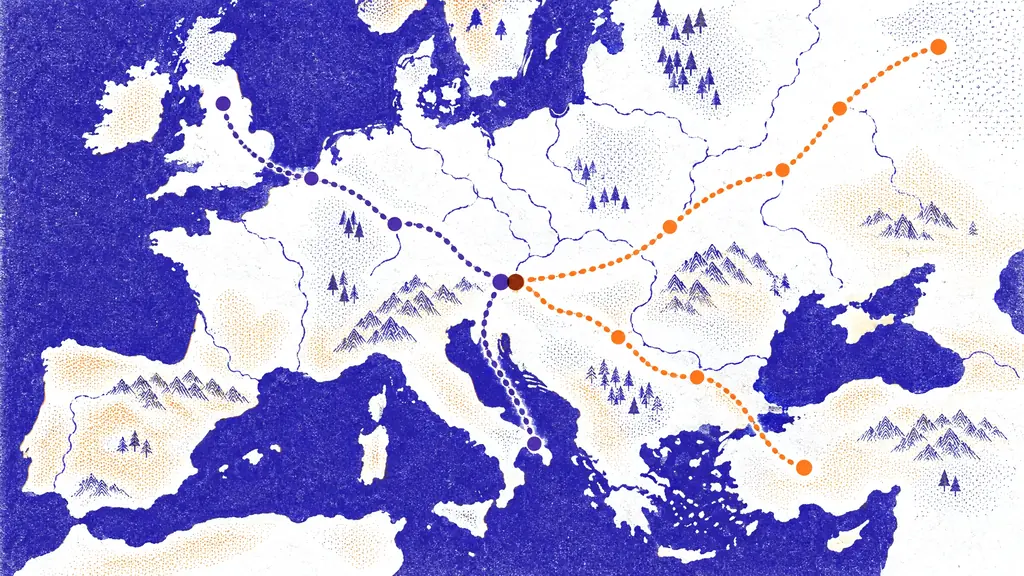
Add a trip to see who lives there and who's visiting on the same days. They'll see your trip too.
Anyone can suggest a dinner, a walk or a call, and people RSVP in a tap. Inside a project or circle, run a quick poll to pick a slot first.
Post a project with the roles you need, and peer(ish) suggests members whose background fits. Or start a circle, a small peer group of around a dozen people that keeps meeting.
A directory and a map of everyone in the community, showing where they're based, what they know and what they're interested in.
No app store needed. Open it in your browser or add it to your home screen, and choose which email and push notifications you want.
Bring people in however suits your group, and run as many separate communities as your agreement allows.
Connect your own AI assistant, like Claude, over MCP (the open standard for linking assistants to apps). It acts as you, and only with the permissions you give it.
What you see when you connect
Members never pay. Your organisation pays for the communities it opens, by agreement and invoice. We don't have a public price list yet: write to us about your cohort and we'll send a quote.
No, keep the chat. peer(ish) has no chat and no feed. It holds what a chat loses: who everyone is, where they are and what's planned.
Open the invite, sign in, accept the community rules and add a name, home city and three areas of expertise. There's nothing to install and nothing to pay. Only signed-in members of their communities can see their profile, and everyone chooses whether other members see their photo and email address. Your organisation's admins see each member's name and email address in the organiser console.
The app runs on Cloudflare worldwide. Your organisation chooses whether its communities' data and photos are stored in the European Union or the United States. Member accounts, sign-in and the organiser console are stored in the European Union. Storage in the European Union is created under Cloudflare's EU jurisdiction restriction.
Your organisation is the data controller for everything inside its communities, and peer(ish) is its processor. peer(ish) is the controller only of each member's account: their email address and sign-in methods. We never email your members about peer(ish).
No. We run no analytics or advertising scripts and don't store IP addresses. Use is counted per member only for daily limits, and a member who connects an AI assistant gets a 90-day log of what it did.
Members sign in with an email link or code, Google, LinkedIn or a passkey. Organisers sign in with an email link or code plus a passkey or an authenticator app, or with a passkey alone. We don't support SAML or OIDC single sign-on.
Suggestions for project roles, expertise tags and Library topics run on a model hosted by Cloudflare, the same provider that hosts the app. It never receives a name, email address or phone number. Members' own AI assistants are completely separate, and stay off until your organisation turns them on. Where they're on, a booking email a member forwards to add a trip can be read by a model hosted by Cloudflare too.
Yes. A community's meetups, projects and Library stay inside it, and nothing in one community can be linked to another. A member's profile and trips are shared across communities within the same organisation.
Members can download their data or leave whenever they like. Leaving deletes their Library recommendations, upcoming meetups, open polls and RSVPs. Past meetups stay, attributed to "Former member".
Yes, optionally. heer(ish) is our companion app for a single event. If your event runs on heer(ish), you can link it to your community. Before the event data is deleted, each attendee picks which profile details to bring over, clicks the button in heer(ish) and confirms on peer(ish). heerish.app